
12 Websites You Didn't Know Exist
We are in the 2020s and technology has since advanced from the years we were born in. Throughout this past decade, we've been hearing about people making millions and billions of dollars through websites, software, and online Tactics that helped them build and grow their businesses.
We know about Bill Gates who has made billions of dollars through online software.
We know about Russell Brunson who has become filthy rich using a software called Clickfunnels.
We know about Jeff Bezos who started an online bookshop and is now one of the richest people in the world.
We know about Elon Musk who made his first millions through creating software like PayPal.
There are limitless resources that are online and some have made me realize that internet cafes are no longer a need. They are a dying bread of the internet boom back in the 90s and early 2000s.
It is for these reasons that I now believe that the quickest way to become financially stable is to make use of online resources and why I believe that internet cafes are no longer a need. So to help some people begin to understand that the internet is the way to go here are a few websites that you probably didn't know exist.
At the end of this article, I'll show you a website that will almost completely eliminate internet cafes.
1. Whatruns:
WhatRuns is a new but advanced browser extension that helps you identify web technologies used on any website. It is said that this Extension's proprietary pattern recognition algorithm efficiently detects even the latest web technologies and plugins used on websites.
WhatRuns extension can be used for competitor analysis, sales intelligence, and website profiling which means it’s perfect for all sorts of marketers and web developer research.
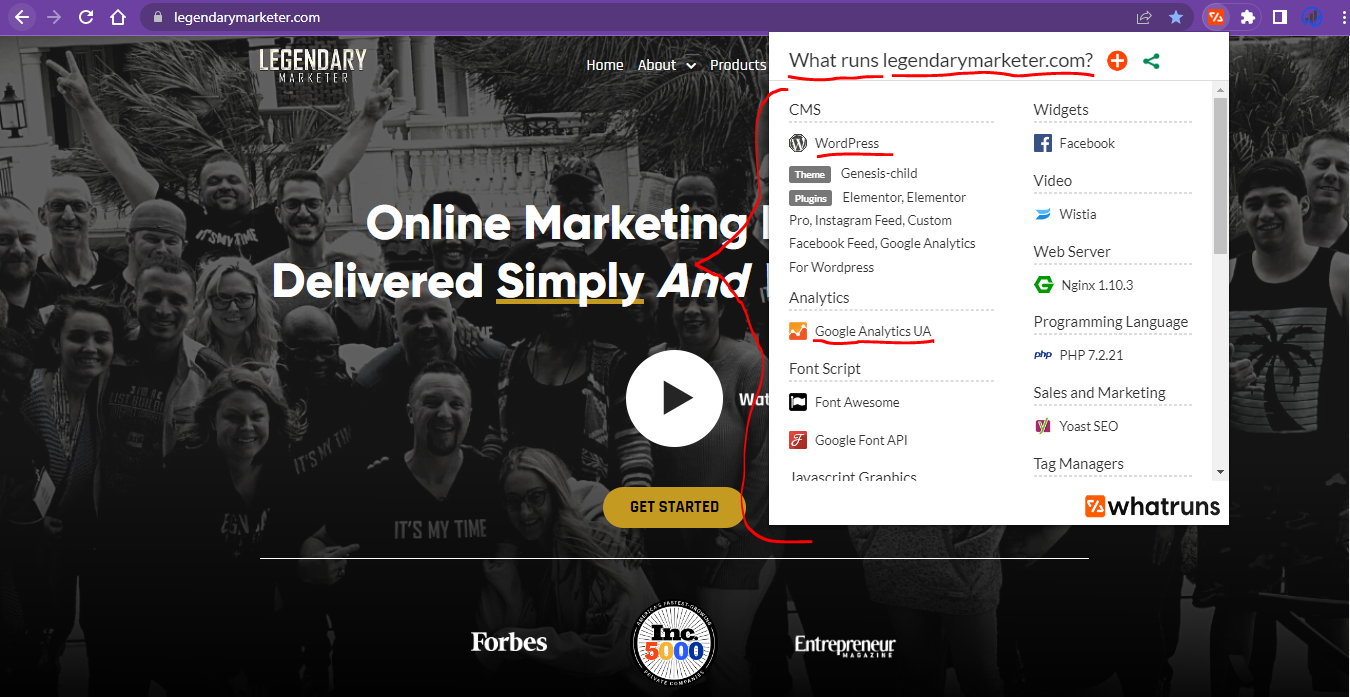
Legendarymarketer.com(Become a Legendary Affiliate Marketer)
WhatRuns shows you pretty much everything that powers a website. Web apps they pay for, CDN they’re hosted on, how they track their visitors, WordPress plugins, fonts – you name it! With this information, you can do wonders with your brand or business because even if you don't know where to start WhatRuns gives you an idea of what you need in order to be successful online.
For example, If I find out that Legendary Marketer is using analytics software or tag management software, then it would be a pretty good idea to begin and learn and implement them in my website.
2.Coverr:
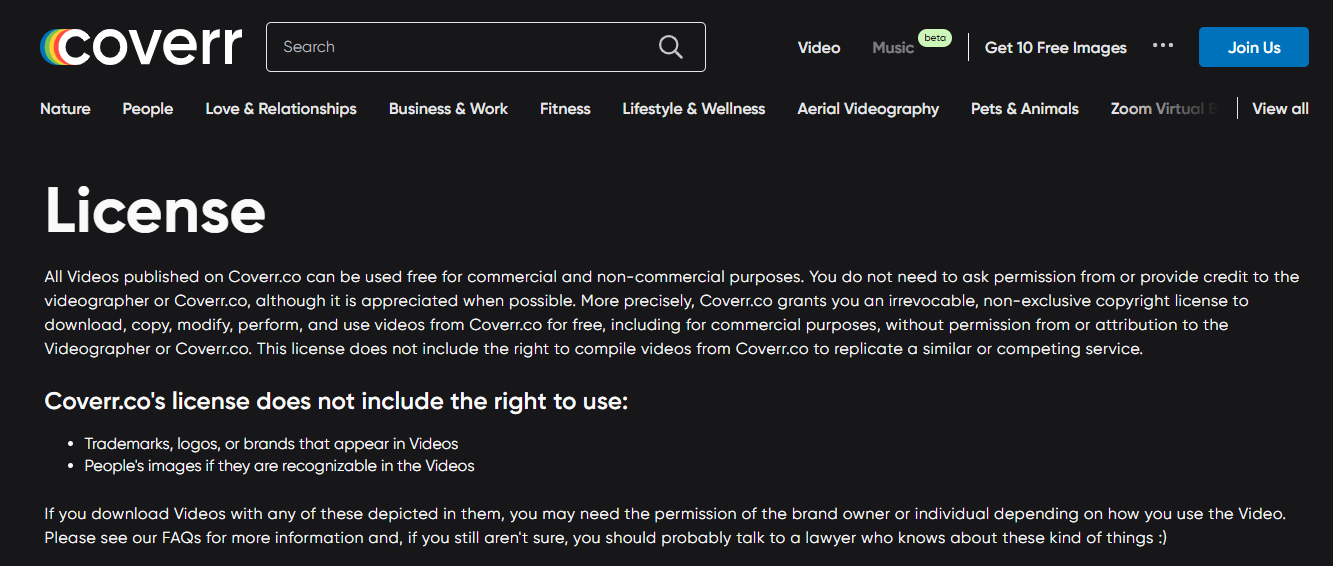
Founded in 2015, Coverr offers a catalog of thousands of free, high-quality videos. All videos are HD in MP4 format, and they also offer 4K quality, which you're able to download completely free as well. Now you may say that there must be a catch, that’s what I thought as well until I read their website. They’ve basically said yes, Coverr video is a completely free stock footage website that allows you to download and use high-quality stock videos anywhere. And there is no catch! No sign-up is needed, no attribution is required, or hidden tricks anywhere.
3. Witeboard:
https://witeboard.com/
Have you ever been in a zoom or skype meeting and wanted to quickly draw something to elaborate on your points or have you simply wanted to do a quick drawing for a Rumble or Youtube video?
Witeboard is a simple and easy-to-use website that you can use for teaching, presenting, or illustration purposes. You can use this website on zoom calls or meetings or on online courses that you are developing.
It even helps me draw perfect shapes making it really easy to use. For example, if I try and draw an improper circle, it can rectify it for me, the same with rectangles and squares.
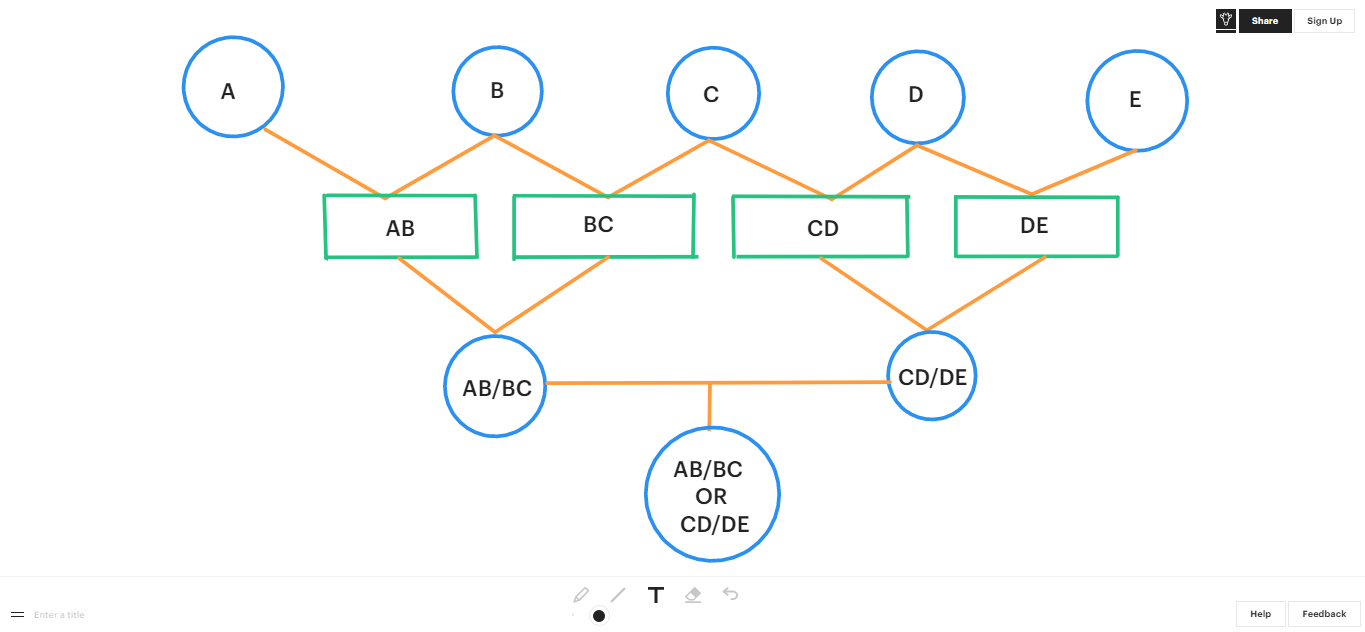
To view this board click link below.
https://witeboard.com/0d3d9ab0-5945-11ed-9c2d-318ba03eee8c
On some websites or platforms, you have a lot of things going on on the screens like a taskbar and other options the platforms want you to explore. I don't know about you, but I prefer to have a clean whiteboard with little to no disturbances on the side or even the process, and Witeboard can provide just that. As you can see, Witeboard only has a few necessary taskbar options at the top right and bottom of the page which are almost invincible.
It's free and easy to use and you can share your work or idea just as I have on the above link below the picture.
4. EpicPen:
Let's say you don't need or want a whiteboard to share your ideas or do illustrations, but you'd prefer to draw over any picture or website on your computer. Then EpicPen is the perfect option for you.
How Does It Work?
Epic Pen is a terrific communication aid that allows you to draw over any application on Windows and Mac. Epic Pen never interrupts your work, allowing you to continue using your applications seamlessly even with drawings on the screen.
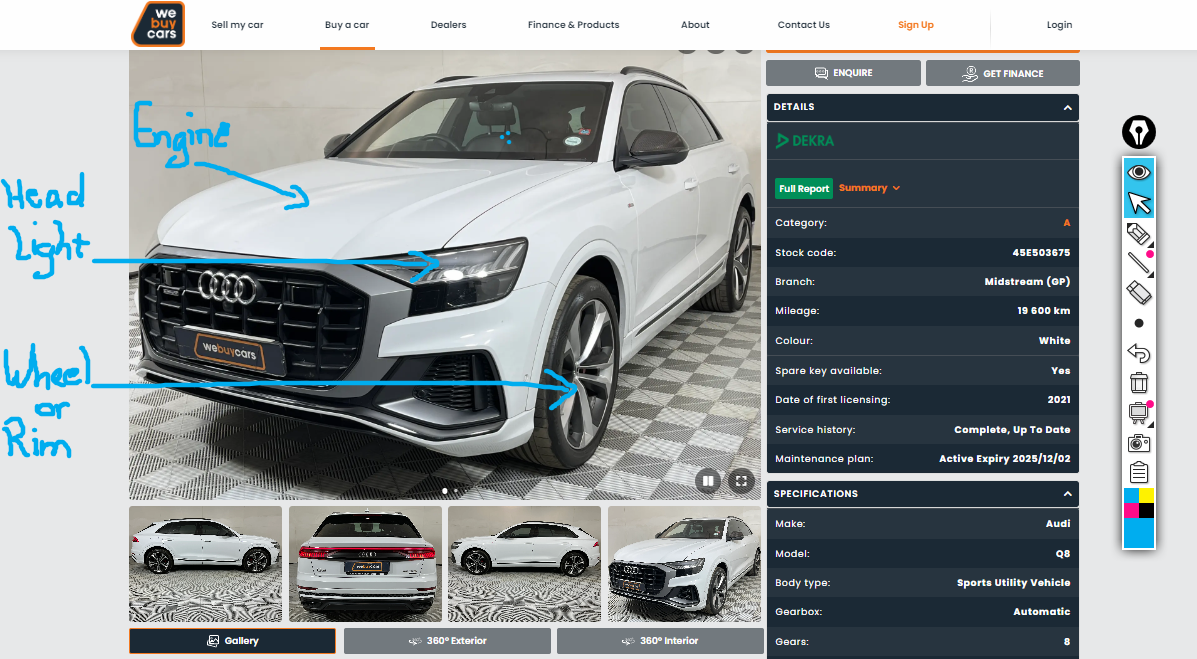
Now you may think that the blue writing on the above picture from the WeBuyCars.co.za website was done after taking the screenshot, and IT WAS NOT. That's the power of EpicPen allowing you to draw on any website or picture on your computer for illustration purposes.
Sign up for the EpicPen FREE Plan: Click here.
20% Off is you use this Coupon code: EPIC-2158
It works just the way you’d expect, it’s user-friendly and it’s excellent for Education and Training purposes.
5. Flourish:
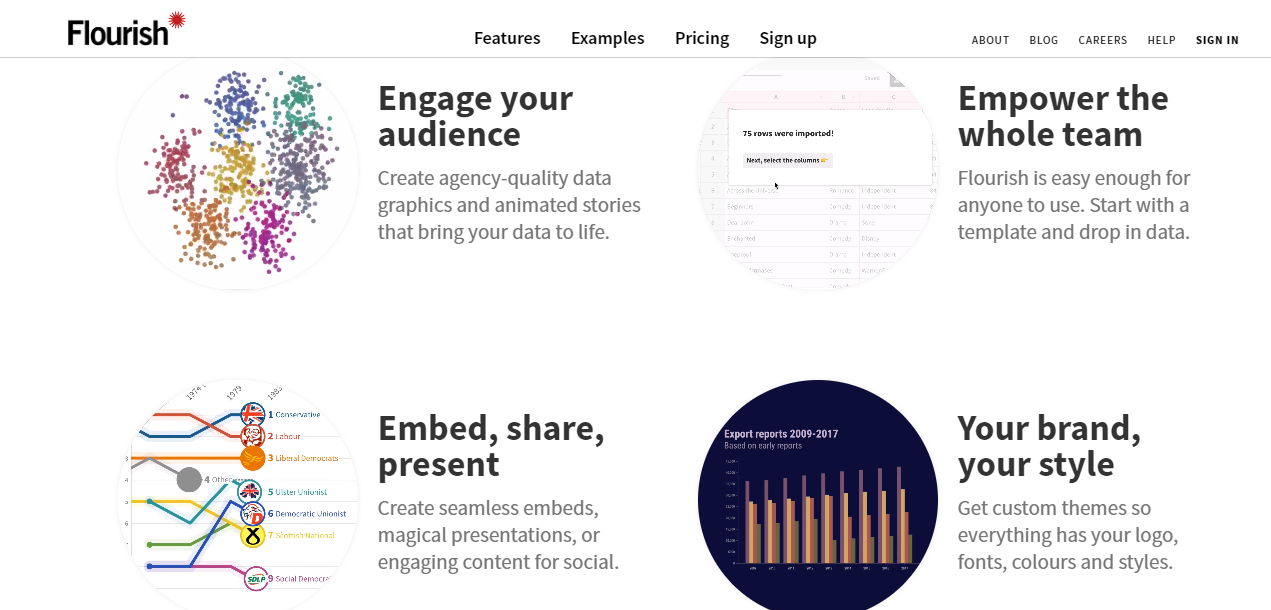
Have you planned a presentation where you thought that if you had all your data shown through animated graphs, you'd have looked smarter or even better gotten a raise because of your flawless presentation?
Maybe you have a website where you'd like to have some animated graphs, then Flourish is for you.
Launched in 2018, Flourish was created to enable everyone to tell stories with data. Easily turn your data into stunning charts, maps, and interactive stories. Imagine if you had data that you collected for your business or endeavors at the same time when you update this data you instantly get an updated animation visual of the data. You can embed this animation in a website or even use it in a meeting a presentation or an educational platform. Basically, Flourish makes it easy to create mobile-friendly animated charts complete with images.
I'm not going to lie this software or platform may have the potential to make you look smart in front of almost anybody.
6. Lumen5:
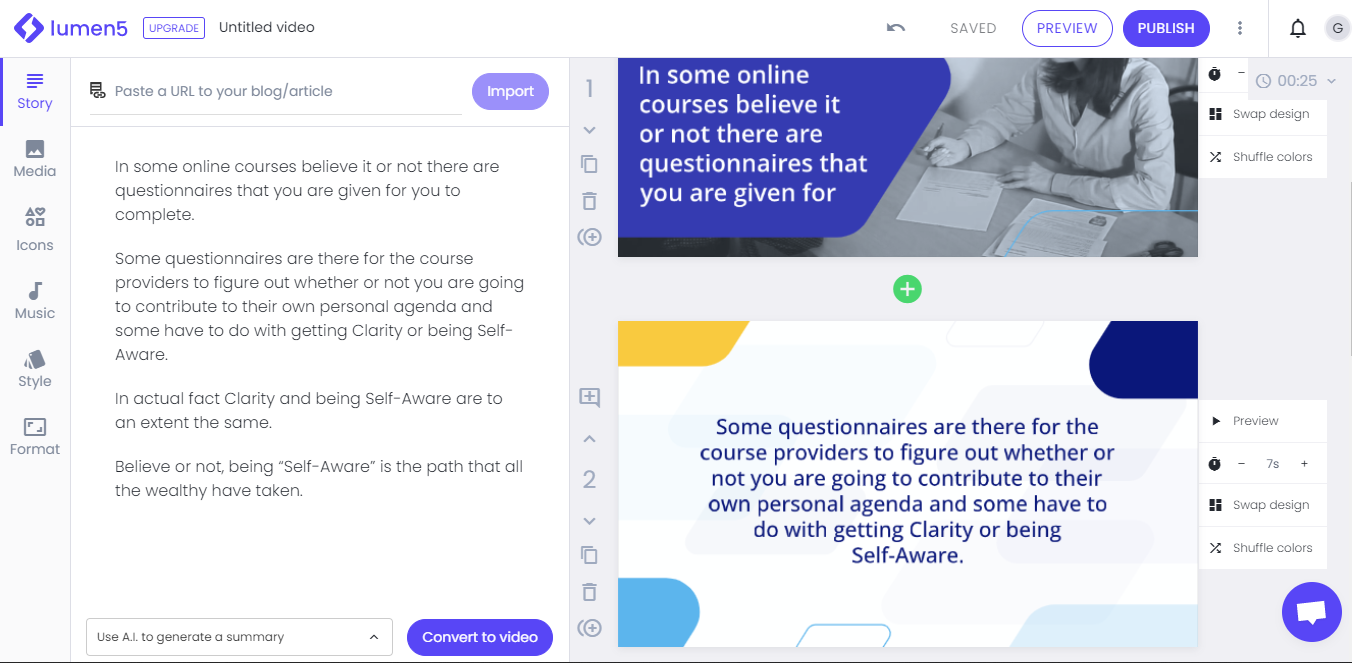
Imagine that you have a business and this business has a website with a Blog now you start thinking of making videos of these articles. To go through with that idea you'd have to look into learning how to edit videos, how to make interactive videos, and other things so you can start something like a YouTube channel. What if I told you that you can skip about 60% or even more using Lumen5?
With Lumen5 you can literally COPY an entire article from your blog then PASTE it on Lumen5 and Lumen5 will turn that article or blog post into a video, that's it, simple as that. Lumen5 is basically an AI software built to repurpose marketing content allowing you to make engaging video content in minutes without much effort.
The guys in Lumen5 are so confident that they say that “it’s easier than building a slide deck (PowerPoint)”, and “it’s just like making a presentation”. “Point and click, drag and drop, done and done”.
The free plan has a watermark when you download the video, but worry not, here is a trick to get the video without the watermark. Put the Lumen5 video on preview mode then use a screen recorder before downloading to gain access to the video. Some screen recorders are costly but there's one that you can use for free.
OBS Studio is an open-source software that can do the job and it's completely free forever.
Please comment on one of our latest Youtube videos if you want me to do a video explaining how to do this in detail.
7. Murf.ai:
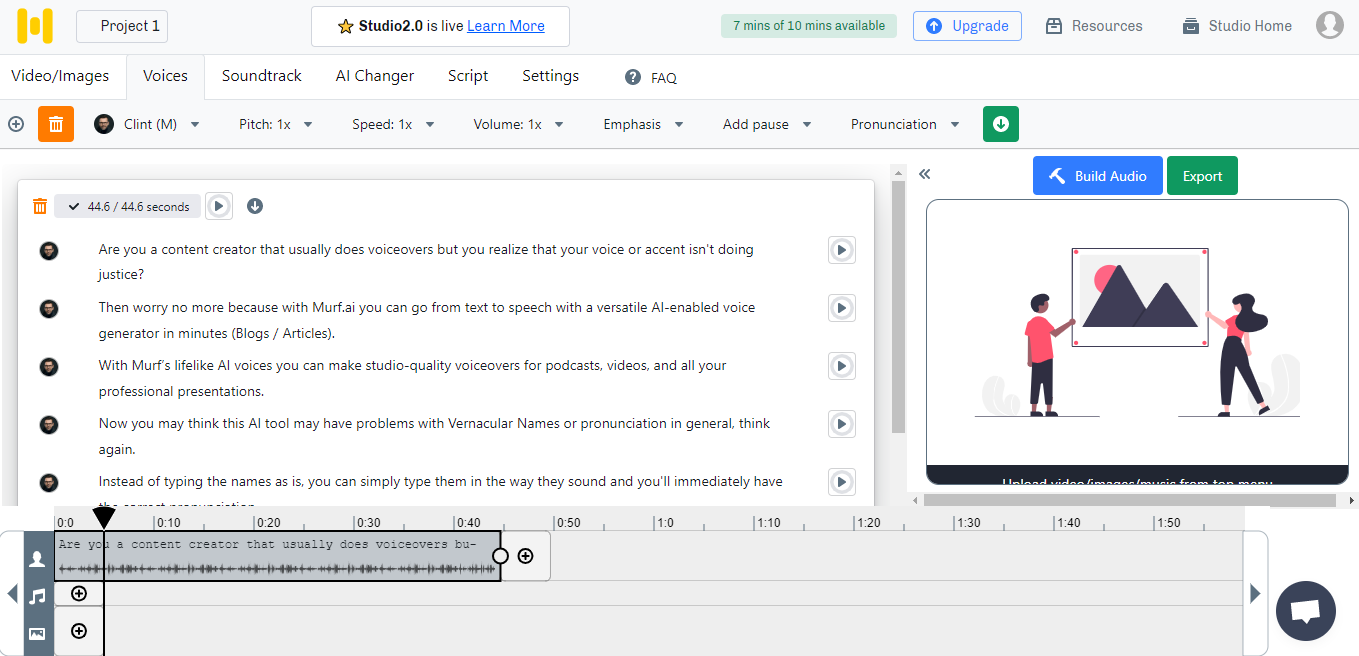
Are you a content creator that usually does voiceovers but you realize that your voice or accent isn't doing justice? Then worry no more because with Murf.ai you can go from text to speech with a versatile AI-enabled voice generator in minutes (Blogs / Articles). With Murf’s lifelike AI voices you can make studio-quality voiceovers for podcasts, videos, and all your professional presentations.
Now you may think this AI tool may have problems with Vernacular Names or pronunciation in general, think again. Instead of typing the names as is, you can simply type them in the way they sound and you'll immediately have the correct pronunciation.
FREE Plan Available: Click here
The free plan does not allow you to download the audio, but worry not, here is a trick to get the audio without having to download it straight from the platform. Again you can use a screen recorder before downloading audio then use a video editing software to separate the audio from the video.
Some screen recorders are costly but theres's one that you can use for free. OBS Studio is an open-source software that can do the job and it's completely free forever.
If you want me to do a video explaing how to do this in detail, please comment on one of our latest Youtube videos.
8. Photopea:
Have you thought of having an image editing software that does not require you to downloud it, a software that does not need constatnt internet access or maybe an image editing sofware that is free and / or PROBABLY even better that Canva?
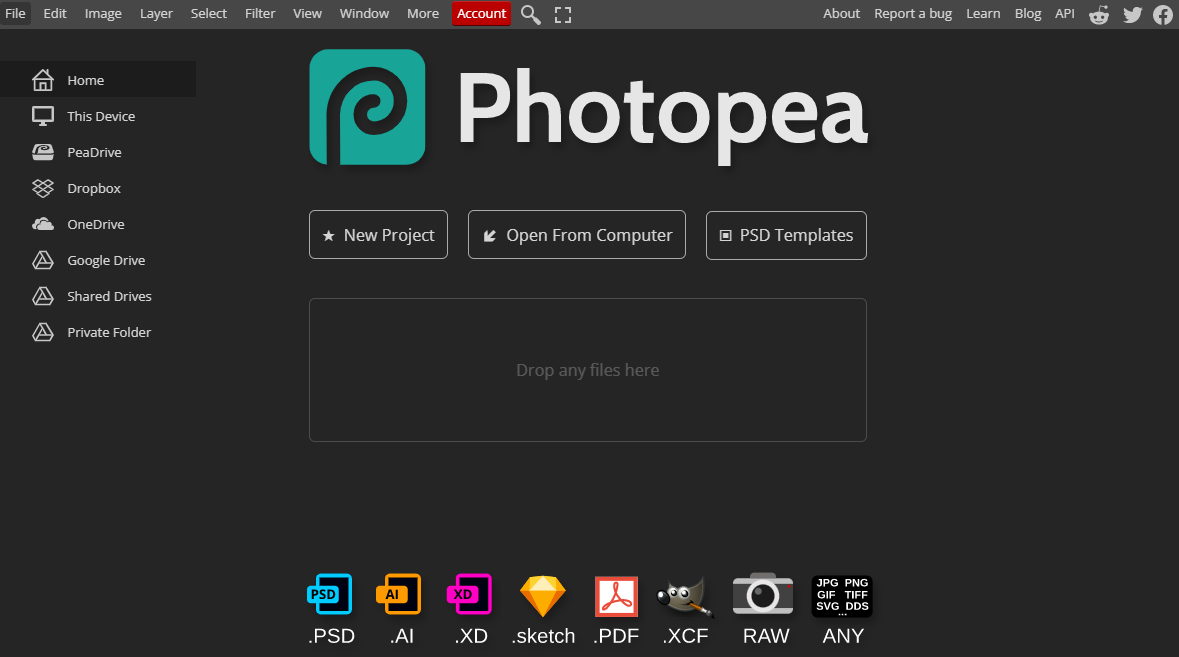
Photopea is a free advanced image editing platform that is compatible with a number of formats like PSD, XD, CDR, or XCF. This means that you can complete your Gimp or Photoshop images in Photopea without dowloading them as PNG or JPeg format. You can use it for simple tasks, such as resizing images, as well as complex tasks, such as designing webpages, creating illustrations, processing photographs, and more. It can work with both raster and vector graphics.
Whats so great about Photopea really?
It can run completely on all your devices (desktop, laptop, tablet, phone, or any other computer).
It does not upload any of your files to the internet. You can load Photopea.com, disconnect from the internet and keep using it completely offline. Meaning, none of your files ever leaves your computer.
Photopea's goal, believe it or not, is to create the most advance and affordable photo editor….. This got me thinking,
What does that say about platforms like Canva??
Is it possible for a beginner online-entrepreneur to find completely FREE software or websites that will have them see no need for Canva's subscriptions (Paid Plans)???
I believe it is possible. Let us know if you want a video on software that can replace canva by commenting your request on our latest Youtube Videos. Click here to access the channel.
9. Metricool:
If you are still reading this article, you are probably aware of the need to constantly post on social media in order to build awareness of one's brand, product, or service. If you still find that to be a Headache then this tool is for you.
Metricool is a platform where you can analyze, plan, and manage your social media data and online ad campaigns in one platform. Metricool unifies the data from your website, social networks, and online ads into one place so it’s easy to review and improve your strategy.
INTEGRATIONS
Twitter
Facebook
Instagram
TikTok
LinkedIn
Pinterest
Google My Business
YouTube
Twitch
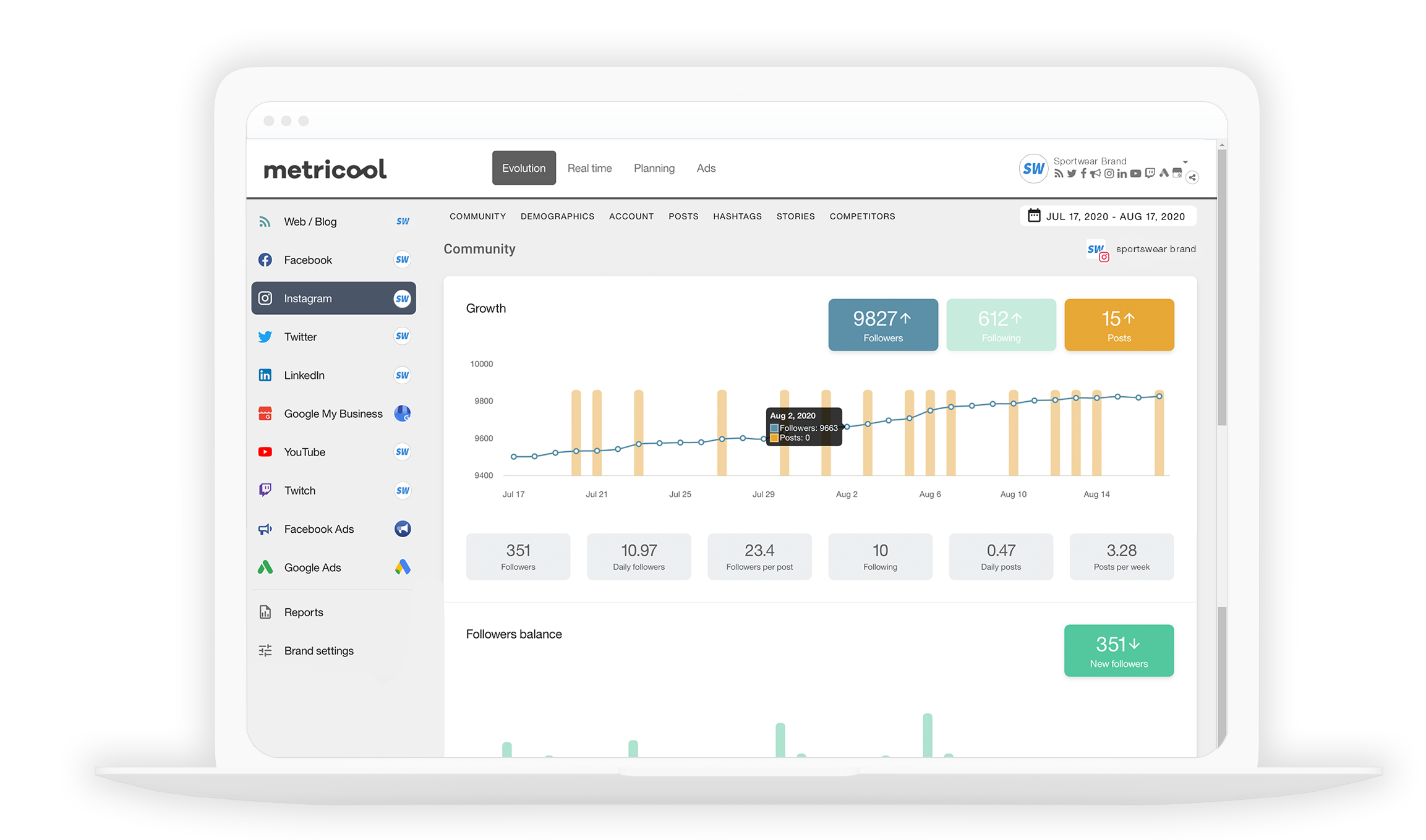
A Solution like this is great for an agency that manages several social profiles of clients or manages their own networks professionally.
They even have a free plan so it’s easy to get started and have the feel of how it works. With the Free plan, you can connect one brand associated with one profile of each social platform, schedule your content to publish automatically, or manage your social inbox, among other features.
What if I need to manage more than 50 accounts? You can contact Metricool and share your needs so they can create a tailored plan that suits you.
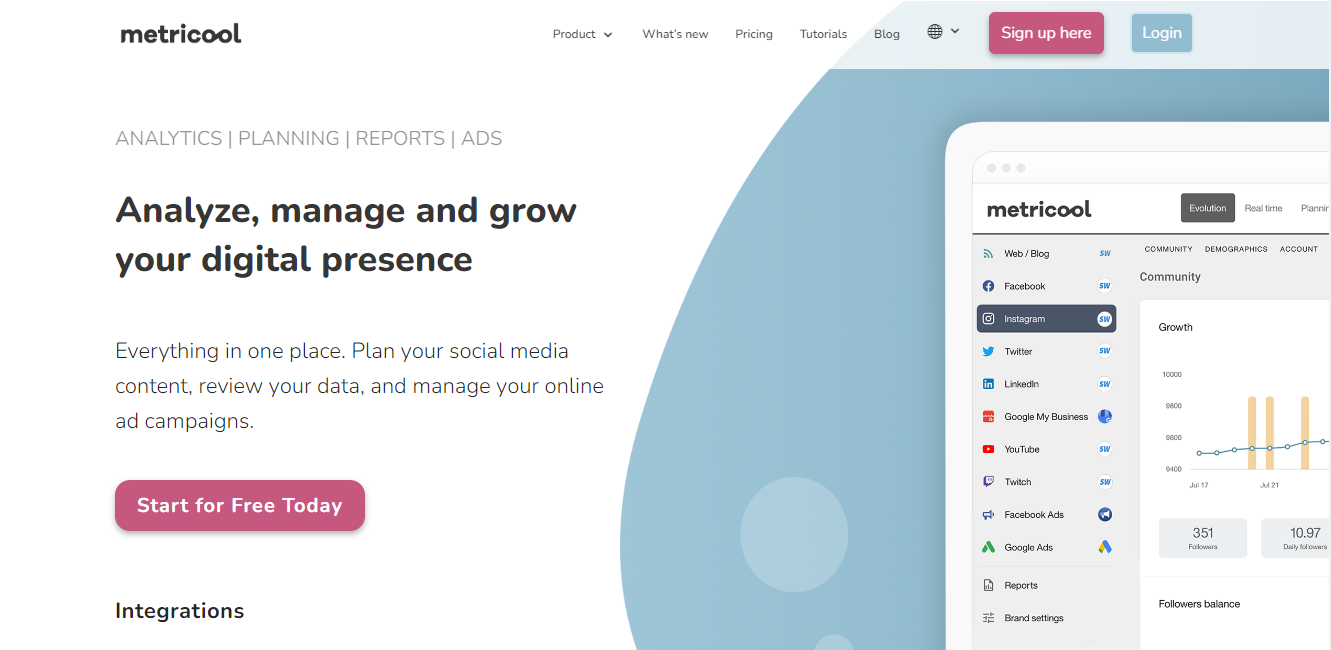
I wish they had a Rumble integration because it seems like the Rumble platform does not have a scheduling option. Rumble can be integrated with Youtube, meaning whatever I post on Youtube can be immediately posted on Rumble. But what if I want to post only on Rumble and what if I don’t want Youtube? (Considering Youtube's crazy policies)
And this could be one of many reasons why people are a bit slow when it comes to moving to Rumble.
People want convenience and that’s what I’m here to give you.
10. (Ifttt) If This Then That:
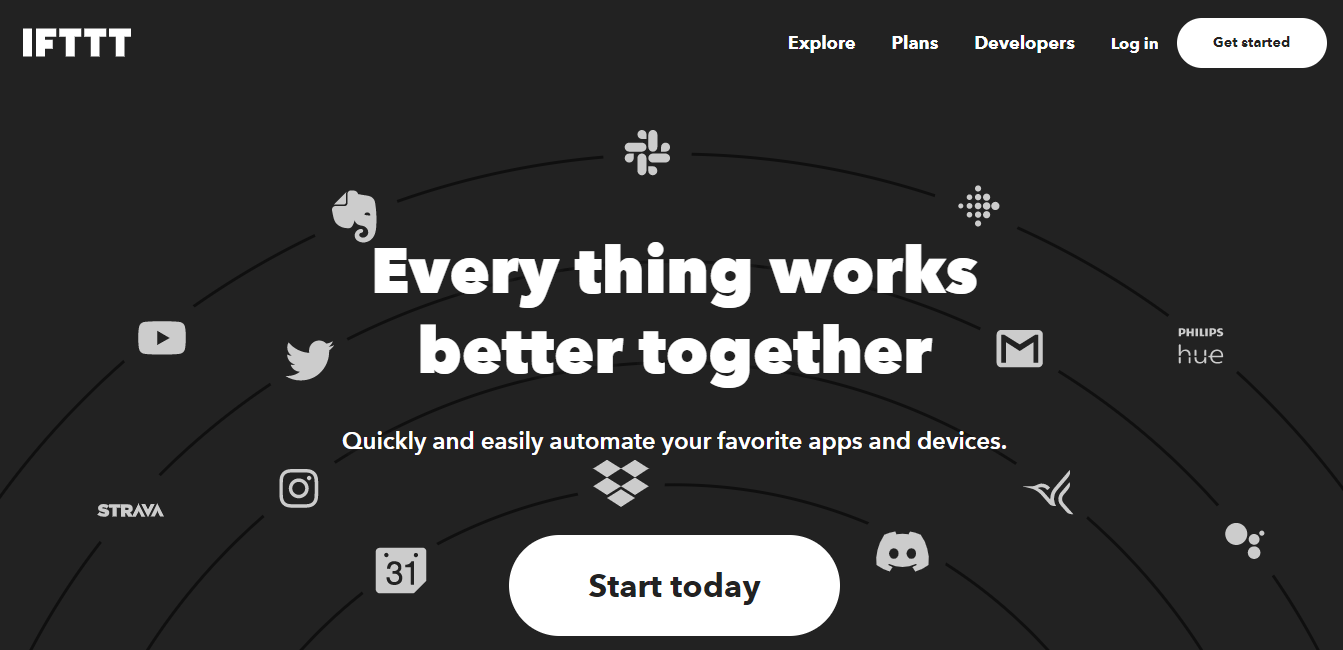
IFTTT is a leading connectivity platform that helps millions of people and thousands of businesses turn their products into integrated, connected services through Applets and APIs.
What are Applets?
An Applet connects two or more apps or devices together in remarkable, seamless ways. It enables users, like you, to experience compatibility and customization that didn’t exist before. Applets are powered by the APIs of your favorite brands and businesses.
What are APIs?
API stands for application programming interface, which is a set of definitions and protocols for building and integrating application software.
Is coding required to use IFTTT?
No there is no coding needed. IFTTT gives everyone the ability to use the dynamic power of coding, without having to code. If you want to use code, there is a Pro+ plan that has advanced features to access filter code, conditional logic, and publish your own API.
If you are not familiar with such websites or software, I advise that you start with the Free Plan first to get the hang of things.
11. Have I been pwned:
Have you ever experienced a data breach or should I say, have you ever been hacked? Maybe you’ve never been but you suspect that you are, then this website is for you.
This website helps you check if your email or phone is in a data breach.
What is a "breach" and where has the data come from?
A "breach" is an incident where data is inadvertently exposed in a vulnerable system, usually due to insufficient access controls or security weaknesses in the software. HIBP aggregates breaches and enables people to assess where their personal data has been exposed.
Hopefully by aggregating the data it will help victims learn of compromising things about their accounts, but also highlights the severity of the risks of online attacks on today's internet.
12. I love my PDF:
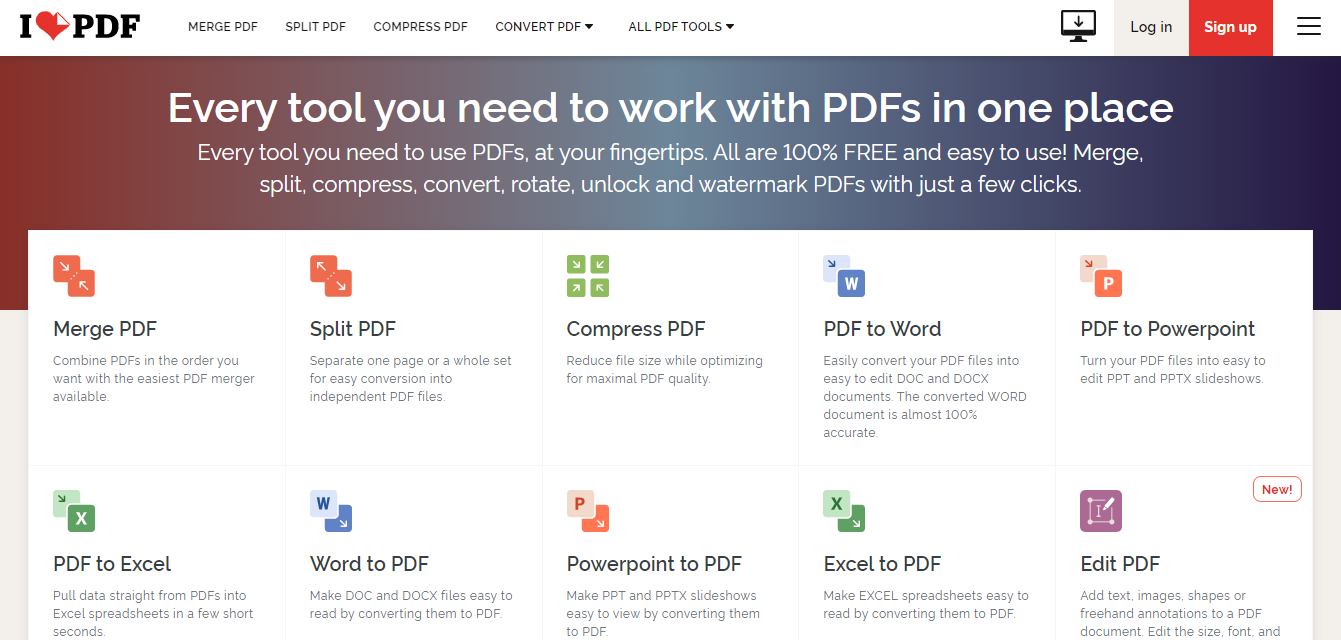
Do you often work with PDF documents?, Maybe you sometimes find yourself needing to fill in a PDF document, etc. Whatever the case, this website has just made working with PDFs much, much easier. You can merge, split, compress, Rotate, Repair or even Unlock or Lock your PDFs with a password to block unwanted or prying eyes. Yes, I said it, “lock your PDFs”.
Looking for another solution?
“I Love My PDF” has all the tools you need to work with PDFs. If you have hard copies and would like to digitize them into a PDF document then worry not, because seemingly these guys have thought of everything. With the “The I Love My PDF” app, you can turn your Android or iPhone device into a PDF Editor & Scanner converting any hard copy into a PDF, you can sign, and share documents with just a few clicks. It’s 100% FREE and easy to use!
Conclusion
Which of these free websites or Software can you use to replace CANVA’s paid plans? Believe it or not, in these times, you can most probably get the software you pay for free if you look hard enough. This is also one of the reasons why we want to help entrepreneurs see online solutions as a viable option.
SHARE


Copyright 2026 • Growth4biz.com